
To increase your email sending limits and ensure high deliverability for your email in 2026, you must navigate Google's tiered quota system and strict bulk sender requirements.
1. Understand Google's Sending Limits
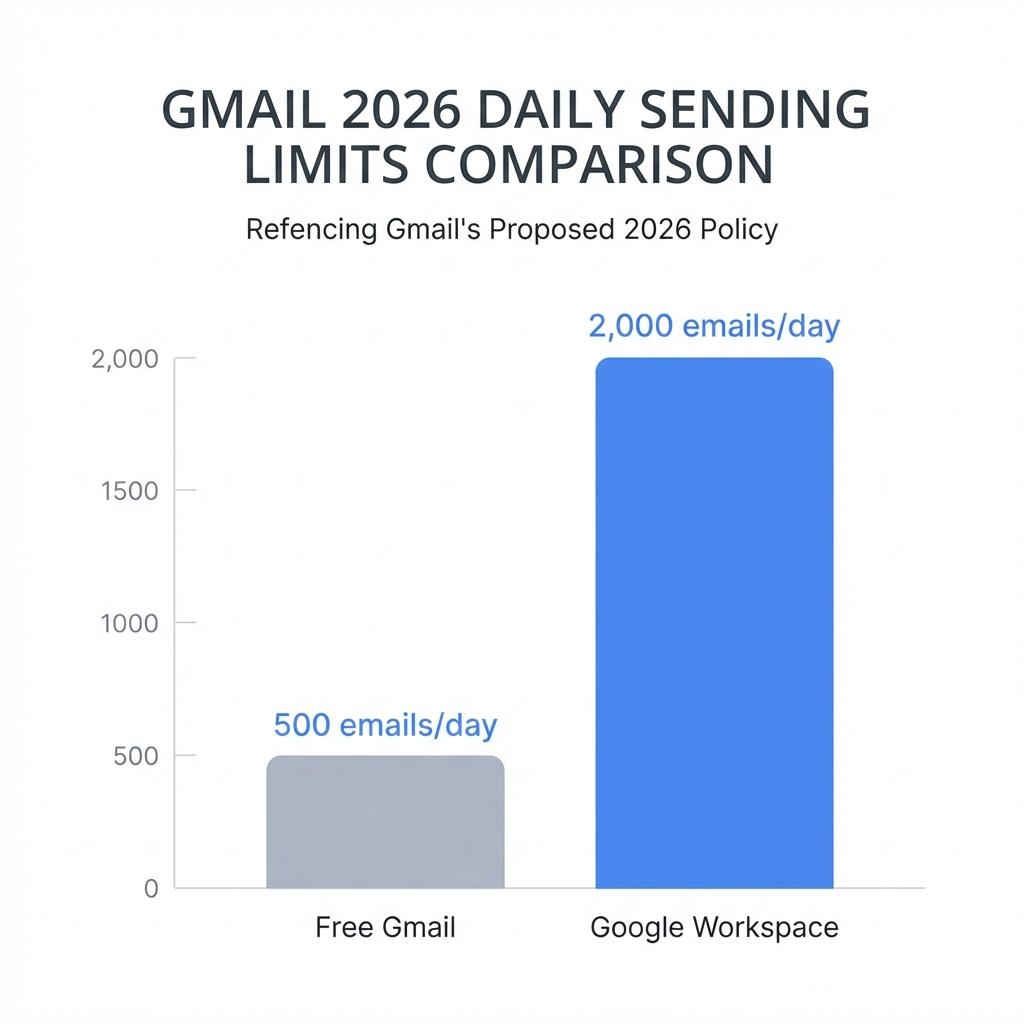
Google applies different daily limits based on the account type:
- Free Gmail (@gmail.com): Limited to 500 emails per rolling 24-hour period when sent via a browser, but restricted to just 100 emails per day when using SMTP/POP/IMAP.
- Google Workspace (Paid): Standard limit is 2,000 emails per user per day.
- Google Workspace Trial: Restricted to 500 emails per day until the account meets specific criteria: a cumulative payment of at least $100 and a 60-day waiting period after reaching that threshold.
2. Implement Professional SMTP Infrastructure
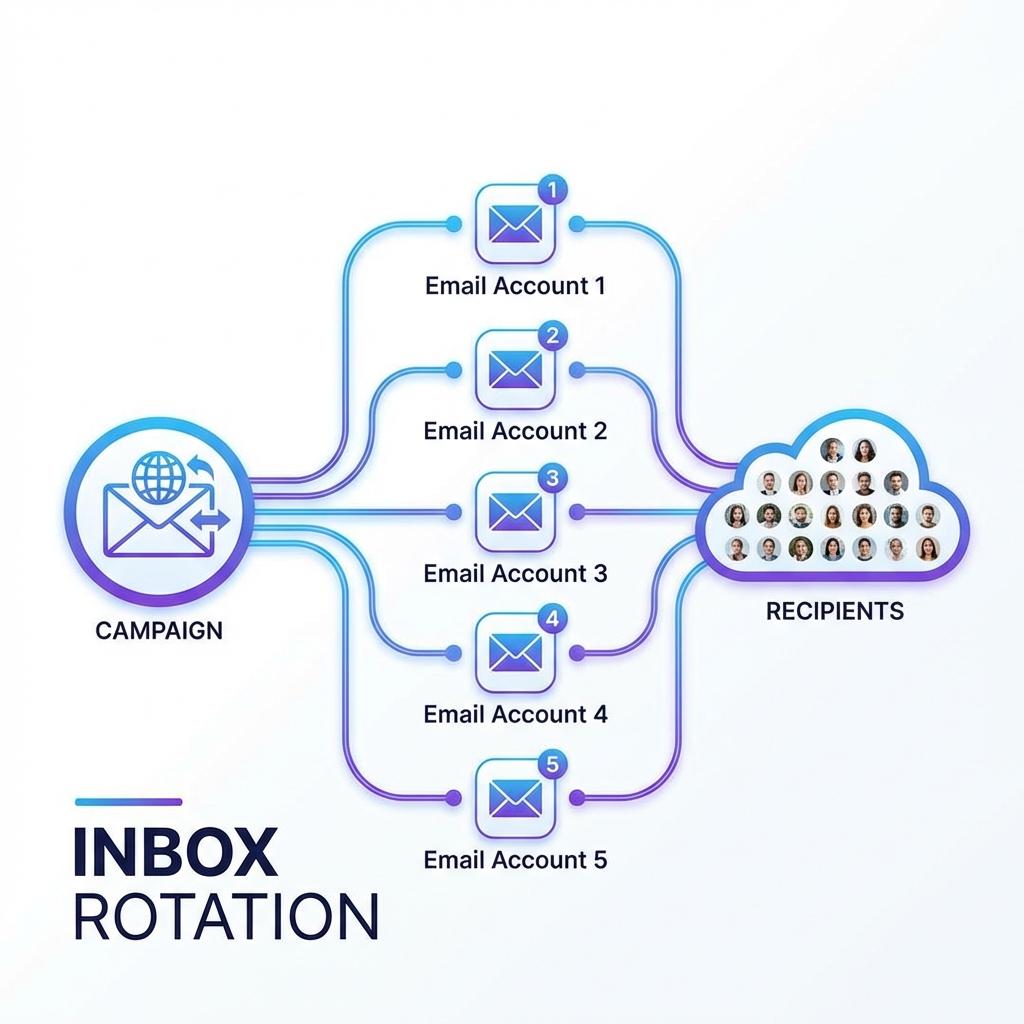
To bypass these individual account limits, smart senders use Inbox Rotation. This involves distributing a single large campaign across multiple authorized accounts.
For example, if you have 10 Google Workspace accounts, you can theoretically send 20,000 emails per day by having each account send 2,000.
3. Meet 2026 Bulk Sender Requirements
As of 2026, Google strictly enforces requirements for "bulk senders" (those sending ~5,000+ messages per day to personal Gmail accounts). Failure to comply will lead to rejected emails.
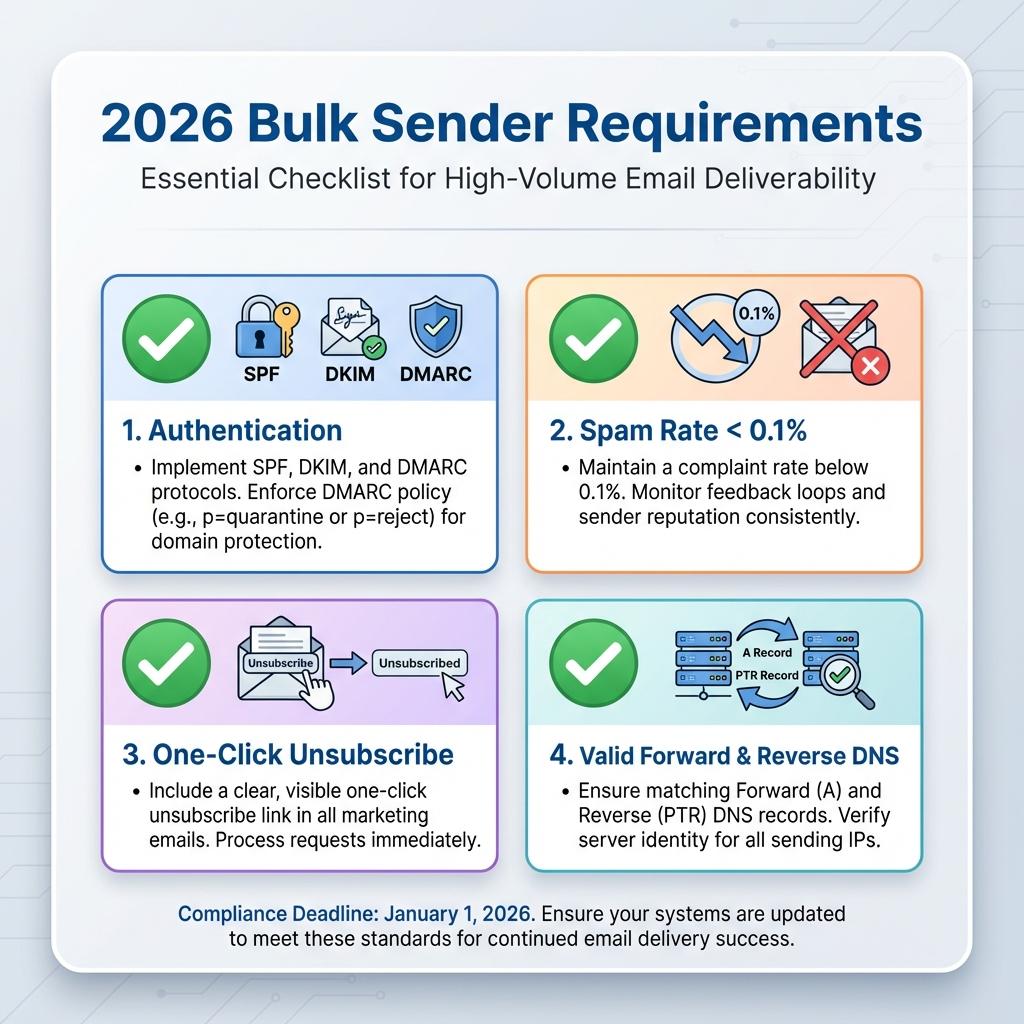
- Authentication: You must implement SPF, DKIM, and DMARC for your domain.
- Spam Threshold: You must keep your spam report rate below 0.1% and never reach 0.3% or higher.
- One-Click Unsubscribe: Marketing and subscribed messages must include a one-click unsubscribe link in the header and a clearly visible link in the body.
- DNS Records: Ensure your sending IPs have valid Forward and Reverse DNS (PTR) records.
4. Use Google Postmaster Tools
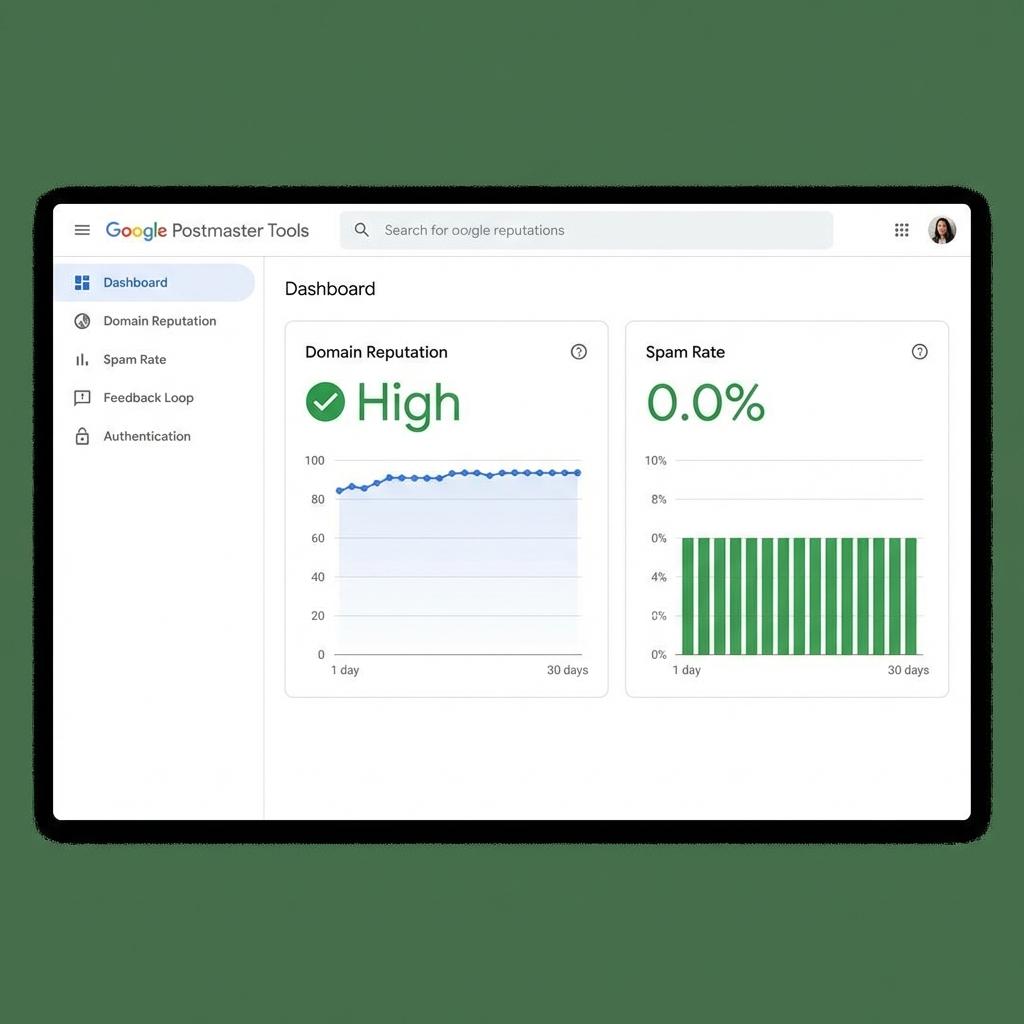
To monitor your reputation and compliance, register your domain with Google Postmaster Tools. It provides critical data including:
- Domain and IP Reputation: Real-time ratings (High, Medium, Low, Bad) that determine inbox placement.
- Compliance Dashboard: A status dashboard that specifically checks if you are meeting the 2026 bulk sender requirements.
- Spam Rate Monitoring: Tracks the actual spam complaint percentage reported by Gmail users.
5. Warm Up New Accounts (Where the Meat Is)
This is crucial. Avoid sending high volumes immediately from new domains or accounts.
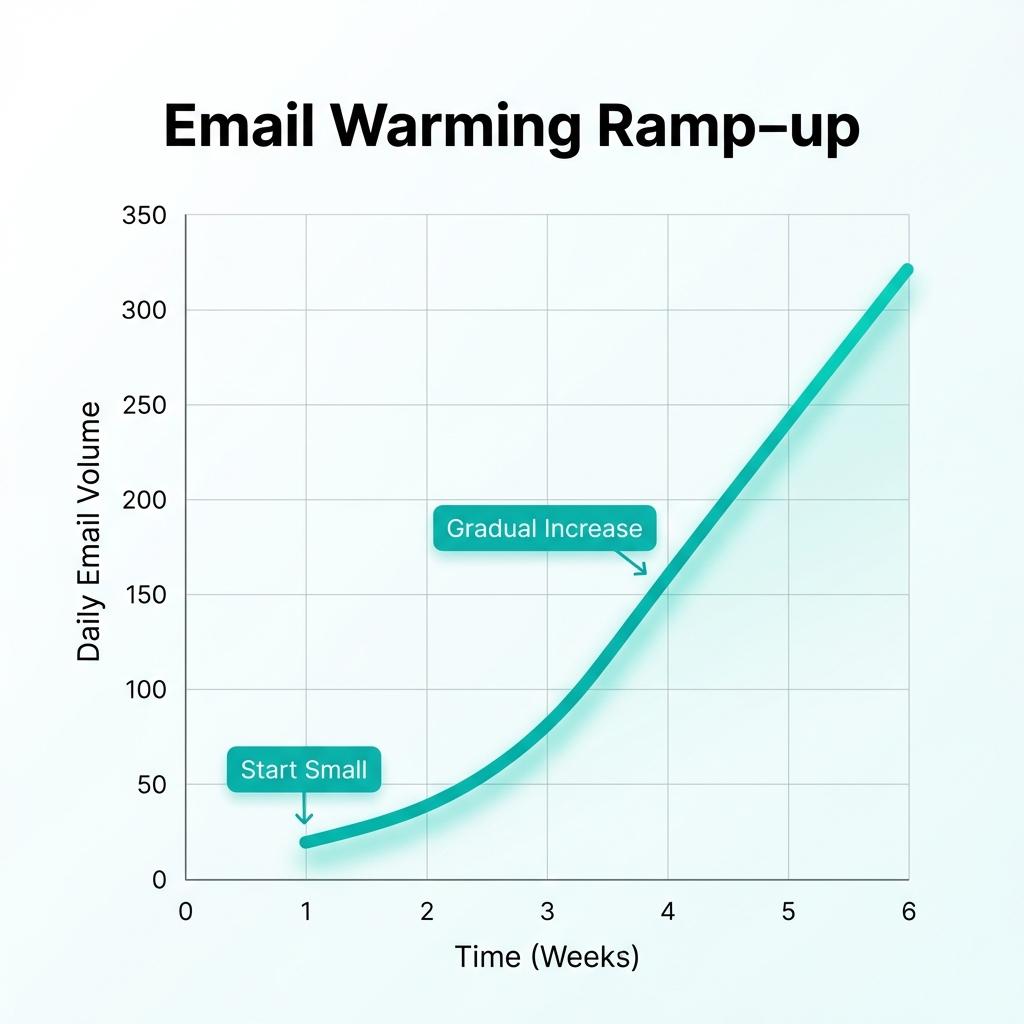
- Gradual Ramp-up: Start with 10–20 emails per day to known, engaged contacts and increase the volume by 10–20% each week.
- Automated Warm-up: Use specialized tools to simulate human engagement and build a positive sender history before launching full campaigns.
Master Your Email Strategy with KobotAI
Stop worrying about the algorithm. KobotAI helps you send emails that consistently deliver and ensures your business follows up automatically, so you never miss an opportunity to close.
Summary
Succeeding in email marketing in 2026 requires respecting Google's limits and playing by their rules. Focus on warming up your accounts properly, monitoring your reputation via Postmaster Tools, and using inbox rotation to scale safely.